A few weeks ago we were asked to visit the University of Huddersfield Barnsley Campus to give a talk on digital marketing. The group that we presented to were a mix of creatives from a range of backgrounds, but none of whom had much experience in trying to sell themselves online. There were jewellers, potters, fine artists, photographers, graphic designers; basically everyone except web designers / developers.
We had a three hour slot that was split into two halves: ‘Social Media’ and ‘Online Portfolios’ - but we covered far too much to fit into one blog post so we have decided to split it between two articles over the next couple of weeks… Seeing as though we recently wrote a post on Online Portfolios we aren’t going to bother with that, and instead split Social Media in half: ‘Social Networking’ and ‘Blogging’. In these articles we will be showing a selection of the slides that we used for the presentation, along with some expanded slide notes to elaborate on each point.
Due to the fact that the majority of the students had no idea about any of the things that we would be talking about (except maybe how to use Facebook) we wanted to keep things simple, but as broad as possible. This was because the group had such a wide skill set that it would have been difficult to tailor the session to any one marketing method. If you know anything about social media then these posts will probably just reaffirm the things you already know, but for anyone who is just beginning to venture out onto the web, then hopefully this will be really helpful!
…and so we begin, ‘An Introduction to Digital Marketing: Part 1 - Social Networking’.
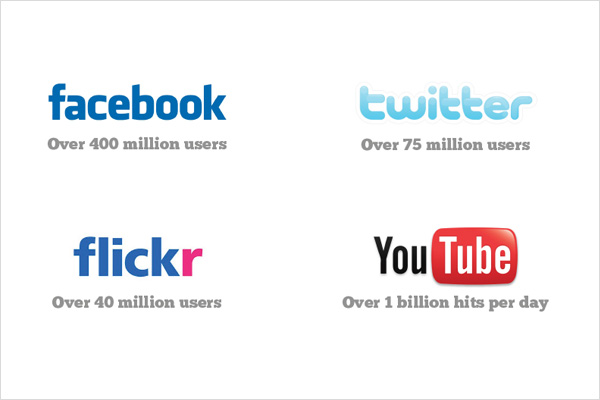
Facebook is the biggest social network on the Internet, you can connect with friends, play games, share pictures and articles, make groups, events, applications, and it is the easiest way to be heard if you have something to say.
Twitter is a platform for micro-blogging. You have 140 characters to say whatever you like to the people who ‘follow’ you, and you can follow and read the ‘tweets’ of more or less anyone who uses it. It’s a great way to learn new things and find the most up-to-date information on topical issues, especially those concerning world news and the creative industry.
Flickr is a photo sharing service. Just like Facebook and Twitter you can connect with friends and people with similar interests and it’s a brilliant way to share the visuals that you create, as well as getting inspiration from others.
YouTube is an absolutely massive video sharing website where you can find clips of more or less anything you like! You can customise the look and feel of your profile and create ‘channels’ of your own content and / or subscribe to others’.
These numbers illustrate the sheer size of social media on the Internet today, and the great thing is that every one of those people have the potential to see or hear about your work if you go about it in the right way… There isn’t any other marketing method where you can so easily reach so many people.
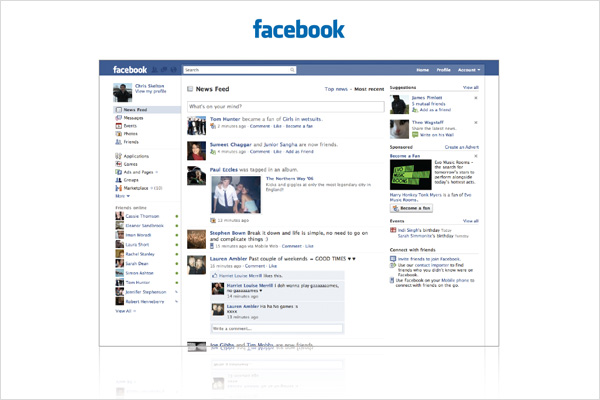
Seeing as though most people seem to have a Facebook profile these days it is the natural place to start when marketing yourself online. If you have an account, you will already have say, 50 - 200 friends, and whether you actually speak to any of them or not, this is an ideal base of people to introduce your work to. Anything you post on your profile will appear in their News Feed, and if you create a Group or a Fan Page you can start by inviting them all to join!
Creating a Fan Page is really simple and it’s a great way to distance yourself from the slightly unprofessional content that most people tend to post on their profiles. You can share galleries of your work, videos, send updates to your members, promote events, import blog posts (which we will cover later), and provide links to your other social networking profiles. This platform is so versatile and simple to use that anyone can cause a stir about their work if they want to.
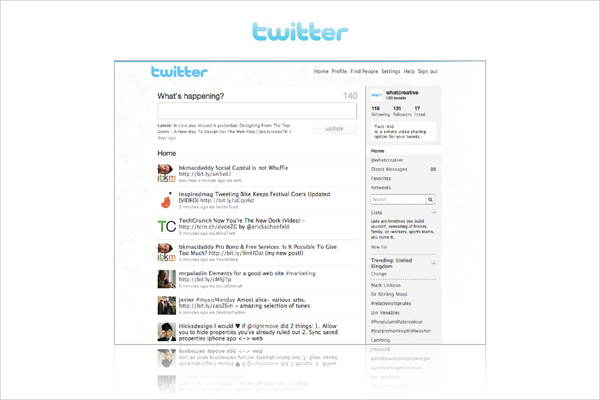
Ok, so let’s be frank - Twitter is NOT an extended Facebook ‘status’, so don’t let anyone tell you that it is. Twitter is the best way to find out about current affairs; things that are happening right now, right this second, and it’s really really useful.
Once you create your profile you can ‘follow’ more or less anyone and see what they are talking about. You can direct one of your messages at someone specific by putting an @ sign before their name, for example “@sk3lton I’m just making sure this [at] thing works!”, and you can also tag your ‘tweet’ with key words by using a # sign before the word. This helps the Twitter search find your tweet and gives more people the opportunity to see when your are talking about something topical. For instance “My Mum is currently stuck in France because of the #ashcloud”.
N.B. My Mum isn’t actually stuck in France, don’t worry.
Great things are happening with Twitter at the moment. Google have started incorporating it into a Live Search function, where if you search Google for something that people are tweeting about then the messages will appear at the top of the search listing, and there are also loads of third party desktop and mobile phone applications to help you access Twitter without logging into their website. It’s just a brilliant way to tell people about what you are doing, and because people have to choose to follow you, you know for a fact that they are interested in what you have to say!
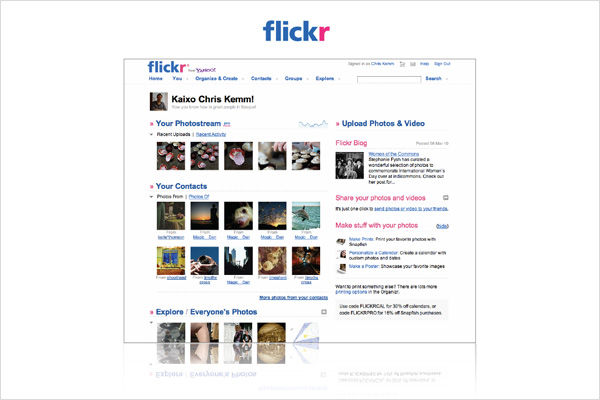
There isn’t an awful lot to say about Flickr other than it’s much like Facebook, but specifically centered around imagery. You can share your portfolio with others, join groups, make ‘sets’ which are like albums of similar images, tag photos, and subscribe to other users’ photostreams. You can also choose to pay for a Pro account in order to have an unlimited number of sets, and share your photos or graphics in much higher resolution. If you’re into photography, graphic design, illustration, fine art, anything like that - then get yourself on Flickr.
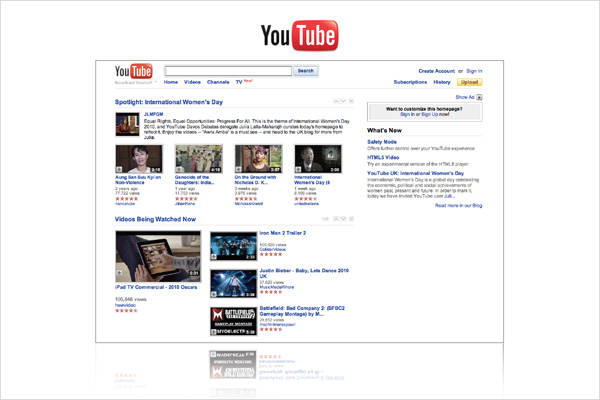
For anyone who doesn’t like writing then YouTube is the perfect option. Video blogging is bigger than you might think, and for people working with physical materials such as sculptors or potters, it’s the perfect way to show off your processes and the effort that you put in to making beautiful things. If you aren’t in one of these professions then you can still use it to great effect by creating slideshows or screen-captures of your creations. You can comment on videos and create channels to share with other people, and anything that you upload can be embedded on your other networks like Facebook or posted on Twitter.
These are some other social networks that you should also check out. Vimeo is much like YouTube but with a nicer user interface, Behance is an amazing inspiration resource and something that we have posted about in the past, LinkedIn is a great way of linking to work colleagues, sharing your CV, and finding jobs, LastFM is a way of sharing your favourite music, if you’re in a band then MySpace can do you a lot of good, and DeviantArt is kind of like Flickr, but aimed more towards graphics and illustration.
This is pretty self explanatory. You need to be recognisable on the Internet, so if you keep changing the way that you do things then people will never find you. You should do things like keep your profile image the same across all networks, use the same tone of voice when writing, and if you have a brand then make sure your logo and colours are consistent.
Share absolutely everything. The Internet is all about open content and giving things away for free. If you want people to like you, if you want to get noticed, and most importantly if you want people to tell others about you, then give things away for free! - and for god’s sake don’t put watermarks on. If people want to take your work and use it for something else then you should be happy that they feel so strongly about it. Obviously you don’t want it being used for anything offensive, so as long as you are told where it’s going then you should completely embrace sharing your creations.
Link TO everything, FROM everything. On every network you should have a list of links to all the other places that you appear on the Web. This will enable people find all the different things that you are involved in and help increase your connections across all platforms.
This is probably the most important point - You can’t expect to market yourself online if you aren’t active. You must post new content as regularly as possible in order to keep people interested. The regularity will vary from network to network, for example you should tweet a lot more than you create YouTube videos, or share work on Flickr, but it should be regular nonetheless. This also ties into being consistent, because if you post things at the same time every day, or on the same day each week then users will come to expect it at that time, therefore increasing the chances of it being seen by more people.
So that’s it for part one, join us next week for part 2 ‘Blogging’where we’ll explain exactly what the benefits are, what platforms are the best to use, and what a difference it can make to your Web presence.
Shortlink:
By Chris Skelton
Pingback: An Introduction to Digital Marketing – Part 2: Blogging | What!? We Like To Talk About