Building Awesome Mailchimp Templates
Tuesday, November 8th, 2011
I was given the task of building a MailChimp template the other week. It’s been a while since I’ve done one but I knew the basics of it all. Since I last worked on template building, MailChimp has made some pretty good progress… We can now have hideable areas and the interface that you use for building newsletters seems to be a lot less buggy.
What I’m going to teach you today is how to build repeating content areas, which look different, but use the same piece of code. You can then hide certain parts of the code to alter the layout. You may think this sounds pretty simple but there are a few things to take into account; namely who will be using your template, what skill level they have, and how compatible you want to make the template with email clients such as the dreaded Lotus Notes.
As this article is specifically aimed at MailChimp and their templates, I’m going to assume that you know what MailChimp template tags to use for hideable and repeatable content sections. If you don’t, you can find the template tag guide here.
The Task
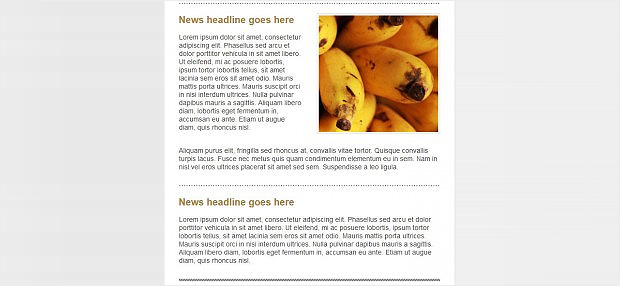
Build a content section that may or may not have an image in it. If it does have an image, the image will be on the right, with text to the left and text underneath. The image has a border of 1px with padding between the border and the image of 3px. Here’s an example of the two content section options we’ll be able to achieve: